How to Rank Higher on Google Maps in Singapore: A Google Business Profile Guide
Rank higher on Google Maps in Singapore: verify your Google Business Profile, pick the right category, earn genuine reviews and fix listing gaps.

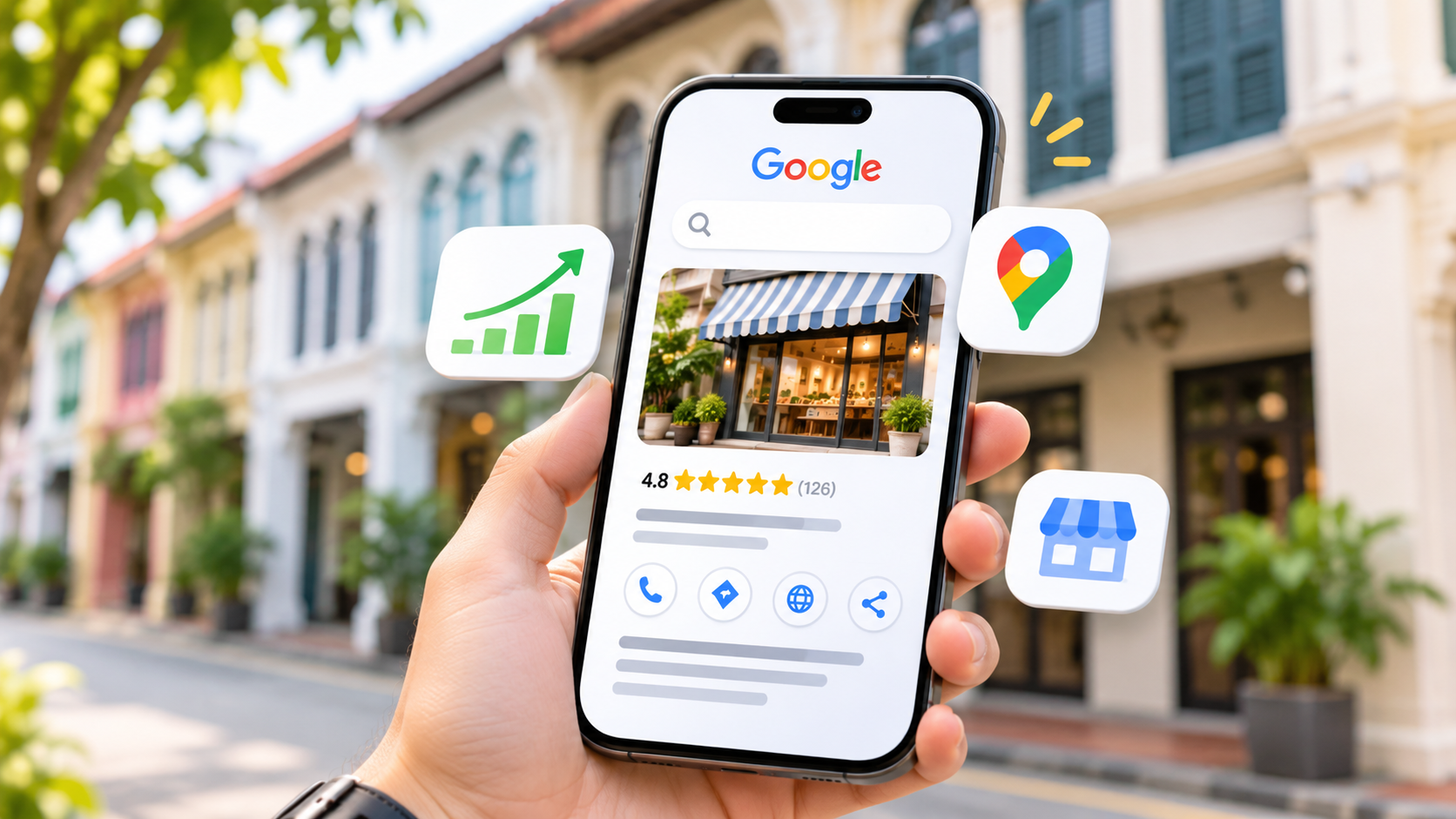
To rank higher on Google Maps in Singapore, verify your Google Business Profile, choose the most specific category, keep your details consistent with your website and earn a steady flow of genuine reviews. Google says local results depend mainly on relevance, distance and prominence, and that no one can pay for a better local ranking.
Below is what Google asks for, and where Singapore's home-business rules and its consumer regulator change the advice.
How does Google decide which businesses rank on Google Maps?
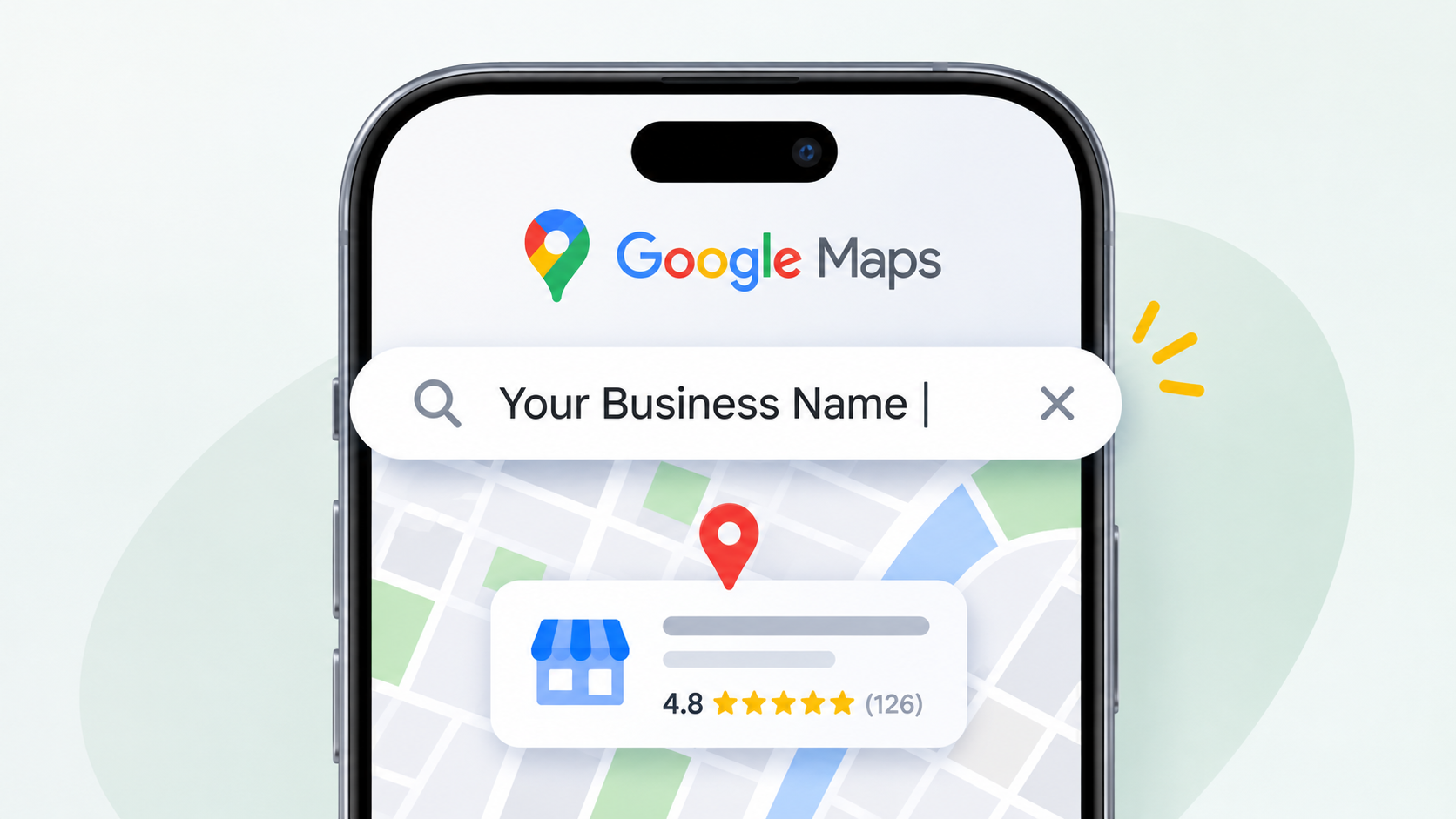
Google says local results are mainly based on relevance, distance and prominence, and there's no way to request or pay for a better local ranking.
Those factors come from Google's tips to improve your local ranking. In practice:
- Relevance is how well your profile matches what someone searched for. A complete, detailed profile gives Google more to match against.
- Distance is how far your business is from the searcher. It's why a search for "physiotherapy near me" in Tampines returns a different list from the same search in Jurong East.
- Prominence is how well known your business is. Google says this draws on signals such as how many websites link to your business and how many reviews you have, and that more reviews and positive ratings can help.
Distance is out of your hands, so relevance and prominence are where the work goes.
How do you set up and verify a Google Business Profile?
Create or claim the profile, add accurate details, then complete Google's verification, which Google says can take up to five business days to review.
Search for your business on Google Maps first. Google compiles business information from crawled web content, licensed third-party data, user contributions and owners, so a shop that has never touched Google Business Profile can still have a public listing. If one exists, claim it.
Google's verification help page says the method depends on the business, and some methods send a five-digit code. If your website is already verified in Google Search Console, Google may verify the profile instantly.
Keep to one profile per business. Google's guidelines for representing your business say there should be only one, because duplicates cause problems with how your information shows on Maps and Search.
Can you list a home-based business, virtual office or co-working space in Singapore?
Home-based businesses can be listed as service-area businesses with the address hidden, but virtual offices aren't eligible, and co-working desks only qualify with signage, staff and customers on site.
The deciding rule is signage. Google's guidelines say a business showing its address should keep permanent, fixed signage there. A virtual office, a rented mailing address the business doesn't operate from, isn't eligible. A co-working office qualifies only if it has clear signage, receives customers and is staffed by your own people during business hours.
Singapore's home-business rules collide with this directly. The Urban Redevelopment Authority's Home-Based Business Scheme page, last updated on 23 June 2026, states that there must be no advertisements, signages or posters displayed at the residential premises. The GoBusiness Licensing e-Adviser says the same, and adds that physical advertising in and around the premises isn't allowed either.
Say you run a home bakery in Bishan or tutor from a condo. You can't put up a sign, so you can't show the address. The right setup is a service-area profile with the address hidden; Google's own example is a plumber working from home.
Google's service area help page sets the limits:
- Up to 20 service areas, set by city, postal code or another area, not by a radius.
- The overall area shouldn't extend more than about two hours' driving time from your base.
- Approved edits may take up to 48 hours to show.
- A hybrid business, which serves customers on site and also travels to them, needs permanent on-site signage to show its address.
Renting a virtual-office address in Raffles Place to appear in CBD searches would break Google's guidelines, and a profile built on one is at risk of suspension.
Which Google Business Profile details matter most for ranking?
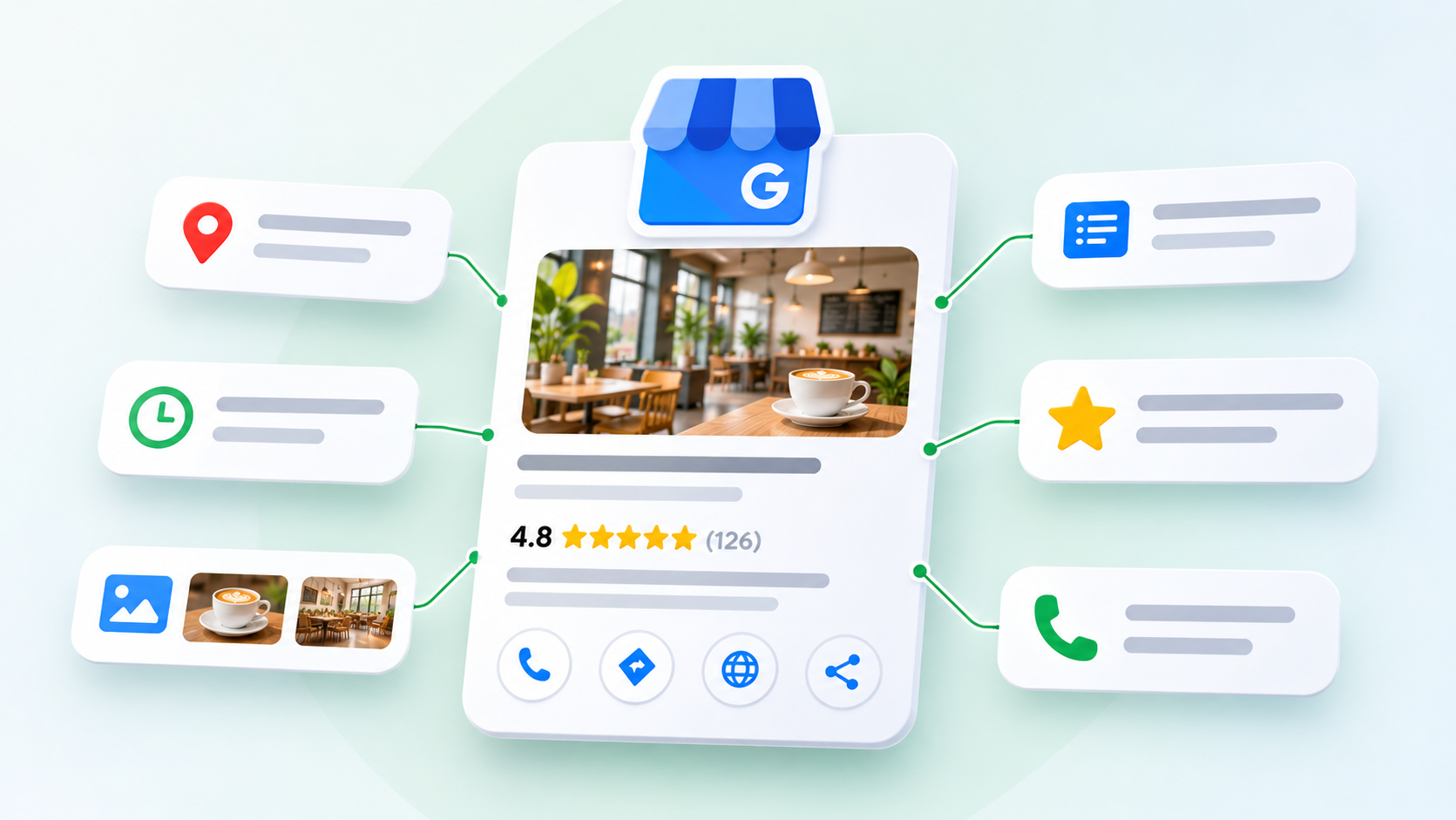
The business name, category, address or service area, hours, photos and description matter most, because they decide what Google can match your profile to.
The name causes the most trouble. Google says it should reflect your real-world name, as used consistently on signage, stationery and other branding. Adding unnecessary information, such as keywords, locations or services, isn't permitted and could get the profile suspended. A made-up name such as "Best Aircon Servicing Singapore - ABC Pte Ltd" is the pattern to avoid.
For categories, Google asks for the fewest it takes to describe the core business, and says to pick ones that complete the statement "this business IS a" rather than "this business HAS a". A café with a few retail shelves is a café, not a gift shop. Google's ranking tips also point to complete information, current hours including special hours, photos and replies to reviews.
The examples in the third column are illustrations, not real listings. The description and phone rules come from Google's representation guidelines.
Field | What Google allows | Example of what to avoid |
|---|---|---|
Business name | Your real-world name, as on signage and stationery | Adding a service or an estate, e.g. "ABC Aircon Servicing Bedok" when the sign says "ABC Aircon" |
Category | The fewest, most specific categories describing what the business is | A broad category, or extra categories for side services |
Address | Shown only with permanent signage; hidden for service-area businesses | An HDB flat, virtual office or unstaffed co-working desk as a shown address |
Description | Useful information on services, mission and history; no links, promotions or prices | A promo such as "$20 off first visit", or a URL |
Phone | A number that connects to your business, local where possible, under your direct control | A number that redirects to someone else's line or landing page |
Hours | Regular and special hours kept current | Forgetting public holiday and Chinese New Year closures |
How do you get more Google reviews without breaking the rules?
Ask every customer for a review using Google's own review link or QR code, reply to reviews, and never pay, reward or filter customers for them.
Google lets owners create a review link or QR code from the profile, and suggests putting it on receipts, in thank-you emails, at the end of a chat and on display in store. In Singapore, a WhatsApp follow-up after the job works the same way. Google's tips to get more reviews also recommend replying to reviews, and say offering incentives for reviews is strictly prohibited.
The Google Maps contribution policy goes further. It bans:
- Paid or incentivised reviews, including discounts or freebies in exchange for a review.
- Asking only happy customers for reviews, a practice known as review gating.
- Discouraging or prohibiting negative reviews.
- Requiring or pressuring customers to leave a review while on the premises.
- Reviews from owners, staff or anyone else with a conflict of interest.
In Singapore, fake reviews are also a regulatory matter. On 30 September 2026 the Competition and Consumer Commission of Singapore (CCS) announced action against 45 businesses and a fake review provider, its largest fake-review investigation to date by number of businesses. The provider had served about 100 businesses, used generative AI to write reviews with Singapore details, and offered a rating calculator showing how many five-star reviews a client needed to reach a target Google rating. The 45 businesses admitted buying fake reviews and must remove them and publish a public apology for six months, including on their websites and at their premises.
Earlier cases weren't on Google, but the principle is the same. In a case dated 3 July 2025, Quantum Globe Pte. Ltd., which runs the Lambency Detailing brand, admitted posting fake five-star reviews on its Sgcarmart.com page over two years, using customers' details without their consent and ChatGPT to write the text. In June 2024, Loft Home Furnishing was found to have posted fake five-star reviews on its own website between November 2022 and August 2023. In both cases the regulator said a business posting fake reviews is an unfair trade practice. CCS lists the businesses involved on its fake online review investigations page.
Genuine reviews pay off beyond Maps too. We've covered how genuine reviews feed ChatGPT recommendations separately.
What should your website do to support your Google Maps ranking?
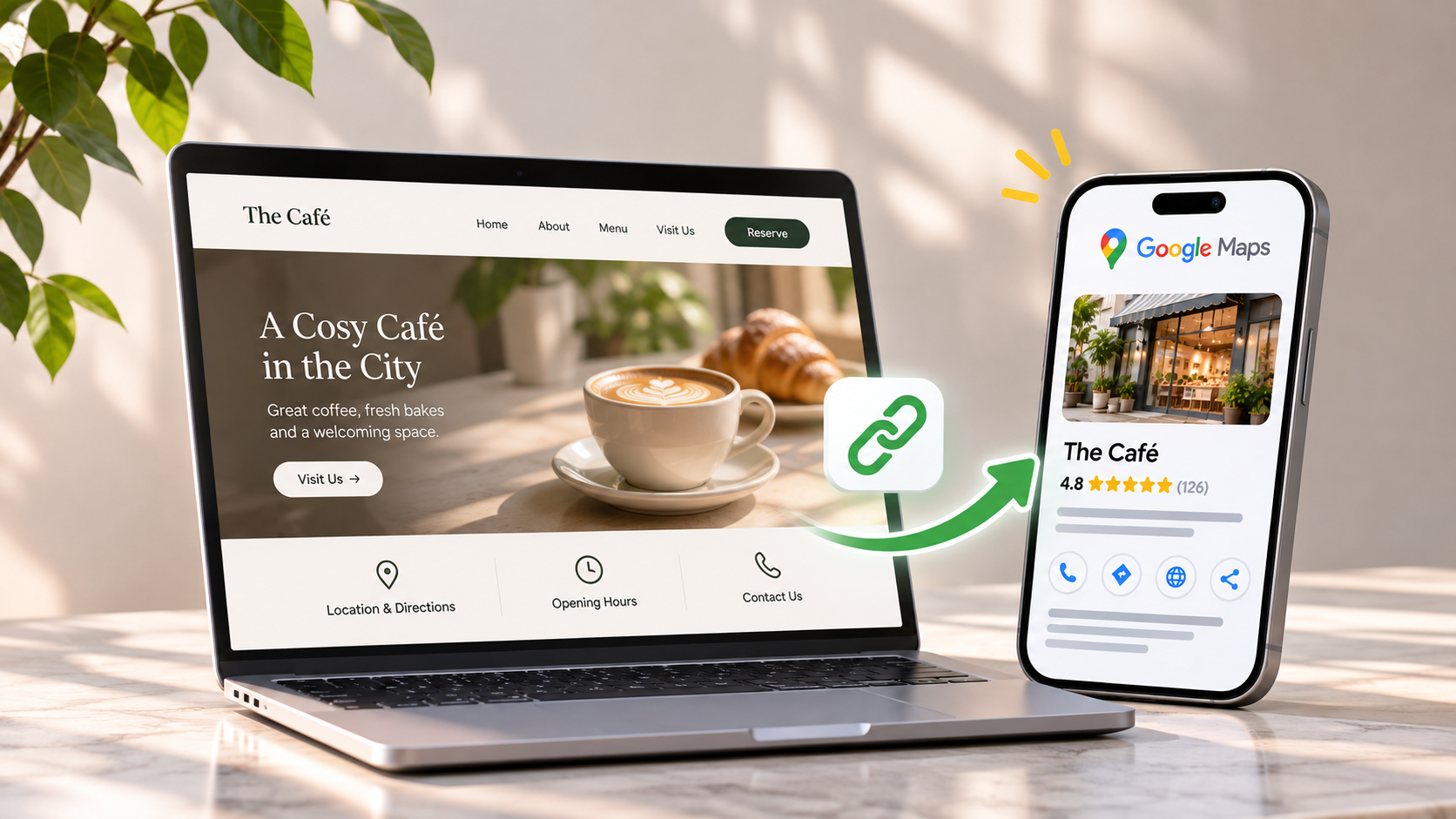
Your website should show the same name, address, phone number and hours as your profile, and explain your services and areas clearly, because Google draws on official websites for business information.
Google lists a business's official website among the sources it uses to compile profile information. If your site says you close at 9pm and the profile says 10pm, or the site still shows an old unit number from before a move, Google gets mixed signals. Make the footer, contact page and any directory listings you control match the profile.
Service and area pages should reflect what people type. Say an aircon company covers the east: one solid page on servicing in Bedok and Tampines, with real job details, is more useful than a stack of near-identical pages with only the estate name swapped.
Structured data helps Google read the facts. Google Search Central says LocalBusiness structured data lets you tell Google about business details, such as opening hours. Google doesn't present it as a ranking boost, so treat it as accuracy work.
Prominence also builds off the profile. Google counts how many websites link to your business, so relevant Singapore mentions, such as a trade association directory or local press, are worth pursuing.
That overlap is why local SEO is usually handled as part of wider SEO work. If you're weighing outside help, our guide to what SEO costs in Singapore sets out how engagements are typically priced.
Why isn't your business showing on Google Maps?
The usual causes are a pending verification, a suspension for breaking Google's guidelines, a hidden address on a service-area profile, or searching from too far away.
Work through these in order:
- Verification is still under review. Google says reviews can take up to five business days.
- The profile is suspended. Google warns that breaking its guidelines, for example by stuffing keywords into the business name, can lead to suspension. A virtual-office address isn't eligible at all.
- It's a service-area profile. With the address hidden, there's no pin on the map. That's expected, not a fault.
- You've just edited service areas. Google says approved changes may take up to 48 hours to show.
- You're searching from the wrong place. Local results change with the searcher's location, so a search from home in Woodlands won't show what a customer in Clementi sees.
If the profile is suspended, fix the cause before asking Google to review it again.
Does your Google Business Profile affect AI search results?
Yes. Google says its generative AI responses can include information about local businesses, and that Google Business Profiles can help you be visible in AI responses as well as regular Search.
That comes from Google Search Central's guide to optimising your website for generative AI features on Google Search, last updated on 10 July 2026. So the profile work above does double duty for a local business. For the wider picture beyond Google Maps, see our guide to AI search optimisation.
How do you know if your Google Maps ranking is improving?
Check your Business Profile performance report each month for searches, calls, direction requests and website clicks, then compare them with real enquiries.
Google's performance report shows the search terms people used to find your profile, updated at the start of each month, and counts calls, direction requests, website clicks, messages and bookings. Read the search terms closely. Say a Toa Payoh dental clinic is found for "dental clinic Toa Payoh" but never for "dental implants": its profile and site probably need more on implants.
Google notes that performance data includes both organic results and Google Ads. If you run ads, separate the two, or a good month for paid clicks will look like a ranking gain.
Keep a simple log of calls, WhatsApp messages and walk-ins that mention Google. If profile clicks rise and enquiries don't, the problem may be the website rather than the listing. Our piece on getting traffic but no enquiries works through that gap.
If you'd like a second pair of eyes on your profile, its categories or a suspension, talk to Plexial.
Frequently asked questions
How long does it take to rank higher on Google Maps?
Google doesn't publish a timeline. Verification reviews can take up to five business days, and service-area edits up to 48 hours to show. After that, ranking depends on relevance, distance and prominence, which build as your profile, website and reviews improve. [NEEDS INPUT: only add a typical timeline if Plexial has confirmed client experience; otherwise keep it general.]
Can I pay Google to rank higher on Google Maps?
No. Google says there's no way to request or pay for a better local ranking. Google Ads can place you in labelled ad slots, but advertising doesn't change your position in the organic local results, which depend on relevance, distance and prominence.
Can I use my HDB flat address on Google Maps?
Not as a shown address. URA and GoBusiness rules ban signage at home-based businesses, and Google expects permanent signage at any address it shows. Set up a service-area profile with the address hidden instead. You can still appear for the areas you serve.
Will adding keywords to my business name help me rank?
Don't do it. Google says adding unnecessary information such as keywords, locations or services to your name isn't permitted and could get your profile suspended. Use the real-world name on your signage and invoices, and describe your services in the categories, description and services sections.
Is it allowed to ask customers for Google reviews?
Yes. Ask all your customers, ideally with the review link or QR code Google generates for your profile. Don't offer discounts or gifts in exchange, and don't ask only the customers you expect to be happy. Google bans both, and CCS has acted against Singapore businesses over fake reviews.
Does my website affect my Google Maps ranking?
Yes, indirectly. Google uses a business's official website as one source of profile information, so your name, address, phone number and hours should match. Links from other websites to your business also feed prominence, one of the three factors Google names for local ranking.
Written by
Jae Tan
Jae shares insights on technology, digital innovation, and business trends, helping businesses navigate change and uncover new opportunities.